An Apple Watch workout app where heart rate earns XP
Start a CharacterSheet session from your wrist and the watch reads your heart rate as you train. A harder average earns up to 25% more XP, and an easy session never costs you any.
 CharacterSheet is an iPhone and Apple Watch appPoint your iPhone camera at the code to install it.
or text me the link
What the Apple Watch app does
The Apple Watch app runs a CharacterSheet training session on your wrist. It records a real Health workout, shows your live heart rate, and turns your session average into a bonus of up to 25% on the XP you earn. With no heart rate reading the session pays the normal rate, so effort only ever adds XP.
The Timers and Stopwatch apps on Apple Watch both count time well. Apple's Workout app also shows heart rate, your zone and your average. None of them turns the minutes into XP for a character. CharacterSheet attaches the session to one of your stats, pays XP toward a level, and uses the heart rate to reward intensity as well as duration. The XP timer page covers how the minutes are priced.
How it works, step by step
- Open CharacterSheet on the watch. The first screen lists STR, END, AGI, WIS and SPR with their levels. The WIL row opens your dailies checklist instead, because Willpower is not trained with a timer.
- Tap a stat, then pick an activity on the carousel. That opens the session setup.
- Choose a timer type with the icons at the top (Sets appears for Strength only) and set its values. See the options.
- Tap the round play button. A 3, 2, 1 countdown plays first and is not counted in your time.
- Train. The main page shows the clock, your XP so far, your heart rate in BPM with a ZONE pill under it, and an EFFORT figure. A Strength Sets session shows your XP and heart rate without the EFFORT figure.
- Swipe right to the controls page for Pause and End. If you do nothing there, it returns to the main page after 8 seconds.
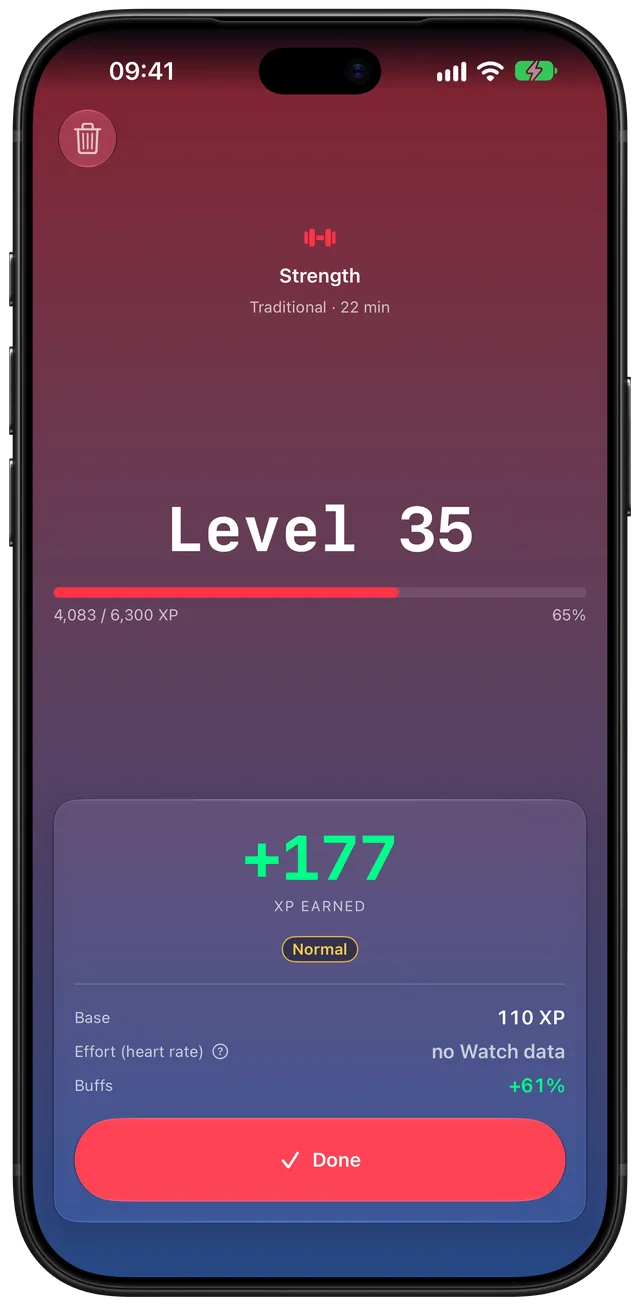
- After End, the completion screen shows your level and the XP you earned. Tap Done. XP is awarded when you tap it.
You can also start from the iPhone. When the watch app is installed, the phone hands the session to the watch and mirrors it live, including your heart rate and effort.
How heart rate turns into XP
The watch tracks the running average of your heart rate for the whole session. At the end, the phone scales the session's XP by a multiplier between 1.0 and 1.25. The EFFORT figure on your wrist shows that multiplier as a percentage, from the running average, so it settles toward the number that will land. It reads "--" until the first average arrives.
The scale is personal when it can be. CharacterSheet reads your resting heart rate from Health (the 30 day average) and your maximum (the higher of 220 minus your age and the highest rate Health recorded in the last 6 months). If Health has no date of birth, the age estimate falls back to 190.
| Scale | Bonus starts at | Full +25% at |
|---|---|---|
| Personal (resting rate known) | 30% of your heart rate reserve | 80% of your reserve |
| Fallback (no resting rate) | 50% of your maximum | 85% of your maximum |
For example, with a resting rate of 65 and a maximum of 180, the bonus starts at 100 bpm and reaches +25% at 157 bpm. Between those, it rises in a straight line.
The ZONE pill is separate. It splits your range into five bands of 10% from 50% upward, and it is display only: zones never change your XP.
Every option
| Timer type | What it does | Range |
|---|---|---|
| Open (infinity icon) | No target. Counts up until you tap End. | None |
| Duration (timer icon) | Counts up to a target, then buzzes and pauses. | 5 to 120 min. The Digital Crown moves in steps of 5, the plus and minus buttons in steps of 1 |
| Sets (Strength only) | Work and rest intervals with a buzz at each change and a tick for the last 3 seconds. | 1 to 20 sets, work 5 to 300 s, rest 0 to 300 s, in steps of 5 s |
- The watch remembers the last timer type and values for each activity.
- A Duration session pauses itself at the target. Resume to run past it, or end it.
- A Sets session ends itself after the last interval and goes to the completion screen.
- Spirit sessions also save Mindful Minutes to Health.
- The phone has a switch, Use Apple Watch for Workouts, under Apple Watch in Settings, plus a Resync with Apple Watch button. Both appear only when the watch app is installed.
When it is the right tool
A run or ride without the phone
Start an Open session on the watch and leave the phone behind. Distance and pace or speed show on the main page for workouts that track them, and the workout is saved to Health.
Lifting with a phone-free pocket
Pick Strength, choose Sets and let the watch buzz you through work and rest. Your heart rate between sets is part of the average, so heavy lifting with long rests earns a smaller bonus than steady cardio.
Checking effort mid-session
Glance at the zone and the EFFORT percentage to see whether you are earning the bonus yet. A raised wrist is enough, and the zone stays on screen in Always On.
Protecting a streak on a busy day
A short session from the wrist counts like any other. See the workout streak guide for how a streak works, and Momentum for the bonus it earns.
A meditation block
Spirit has a Mindful Minutes entry in Health and shows heart rate too, so a calm session is recorded but usually earns no effort bonus.
Limits
- The bonus is capped at +25%. It multiplies the session's XP and never subtracts. A low average reads "0%".
- Wisdom shows no heart rate. Reading and study sessions show XP instead, plus the time left when you set a duration.
- Under one minute earns nothing. XP starts at 60 seconds.
- The phone commits your XP. The watch plays the session and saves the workout, but levels and XP land when the phone receives the result.
- Another workout app can end your session. If one starts, the watch drops the session without saving it.
- The maximum is an estimate. It comes from a formula or your own recorded peak, not a lab test. The figures are for game scoring, not medical advice.
- Calories are not shown on screen. They are still written to the Health workout.
- It needs a subscription. CharacterSheet has a monthly and a yearly plan with a 7 day trial. There is no separate watch purchase.
Heart rate and workouts live in Health. For the wider idea, read how to gamify your workouts.
Frequently asked questions
Is there a gamified workout app for Apple Watch?
CharacterSheet is one. You start a session on the watch, it records a Health workout, and the minutes earn XP for a stat such as Strength or Endurance. Your heart rate can add up to 25% more.
Is there an RPG Apple Watch app?
CharacterSheet treats your habits like a character. It has six stats, levels and quests, and the watch app trains the five timer stats from your wrist: STR, END, AGI, WIS and SPR. Willpower is trained through a dailies checklist.
How do I earn XP from a workout on Apple Watch?
Open CharacterSheet on the watch, tap a stat, pick an activity, set a timer type and tap play. When you end the session and tap Done, the XP is awarded. A session must last at least one minute to earn anything.
How does heart rate change the XP?
The watch averages your heart rate over the session. The phone compares that average with your own resting and maximum rates and applies a multiplier from 1.0 to 1.25. An easy session earns the normal XP, not less.
Do I need my iPhone for a watch session?
The watch runs the session and saves the workout to Health by itself. The iPhone commits the XP and level, so your character updates once the result reaches the phone. You can also start a session on the phone, and it hands off to the watch.
Does every stat use heart rate?
Strength, Endurance, Agility and Spirit show heart rate, and the effort figure too except in a Strength Sets session. Wisdom, the reading and study stat, shows XP instead, plus the time left when you set a duration. Willpower has no timer, so it has no heart rate either.
Sources
Train from your wrist
Get CharacterSheet on the App StoreMore features
Works with Apple Health
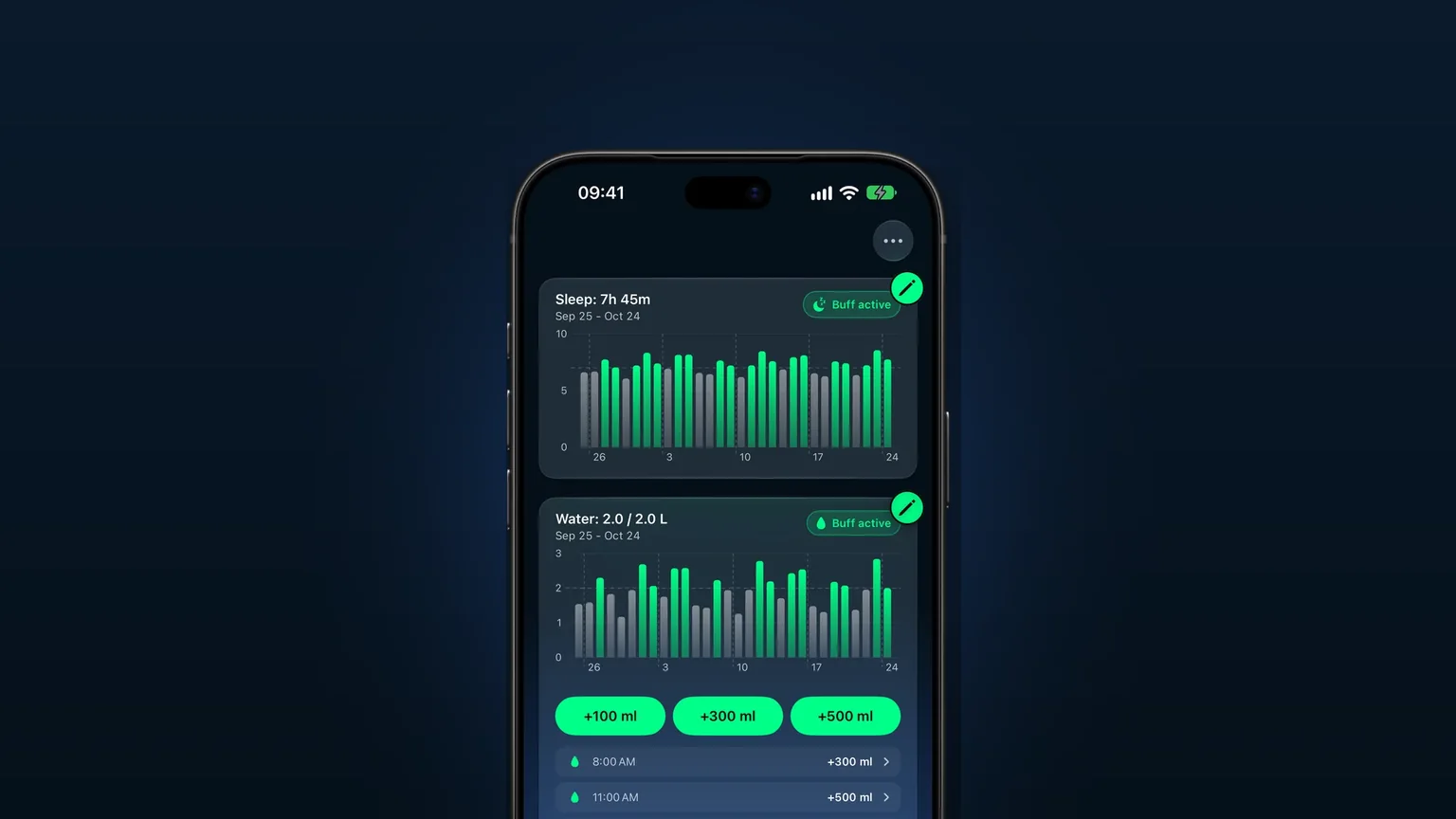
Reads your workouts, heart rate, sleep, weight and water from Apple Health, and saves your workouts back.
Buffs for sleep, water and weigh-ins
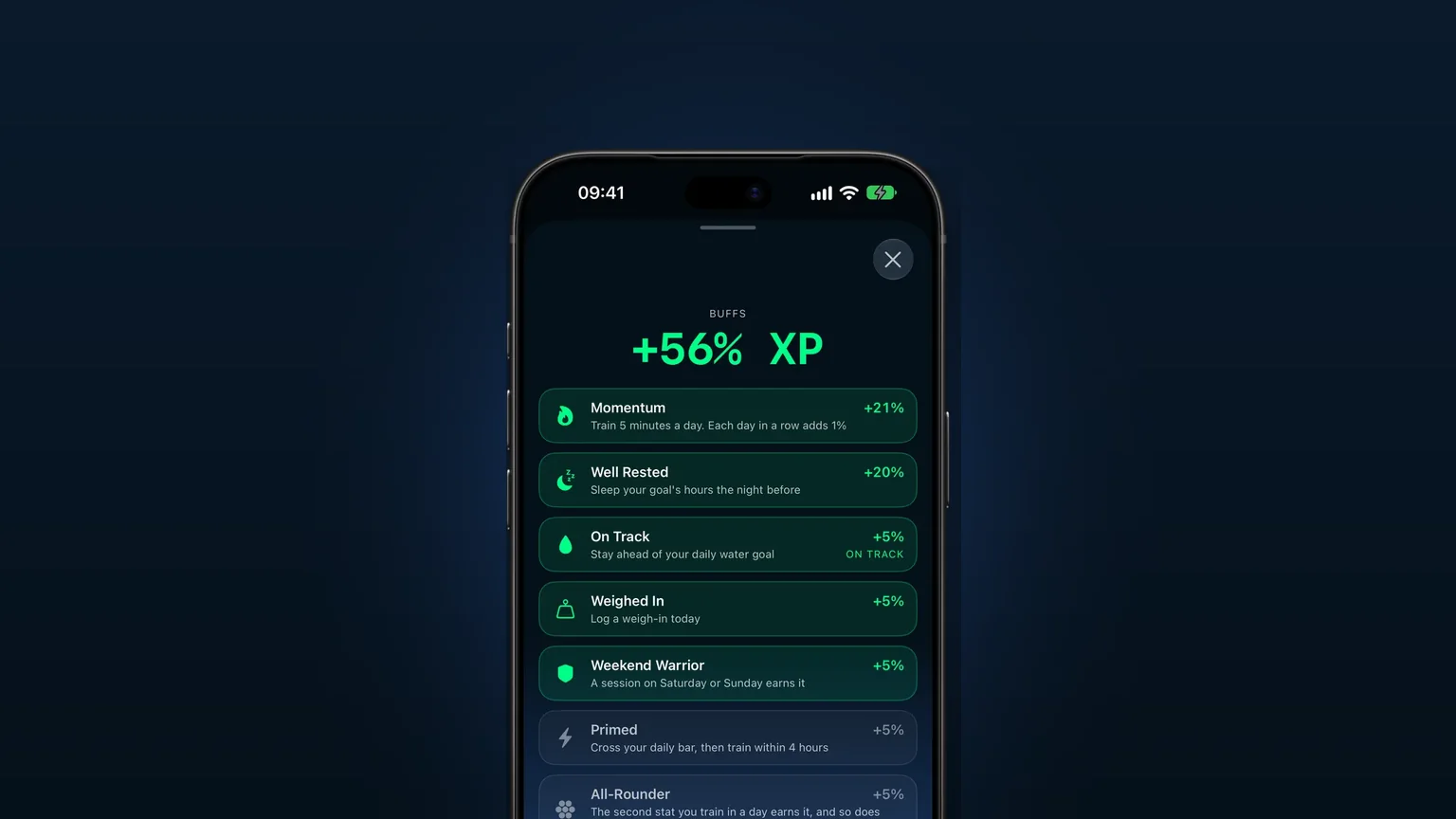
Sleeping your goal, staying on pace with water and weighing in each add bonus XP to your sessions.
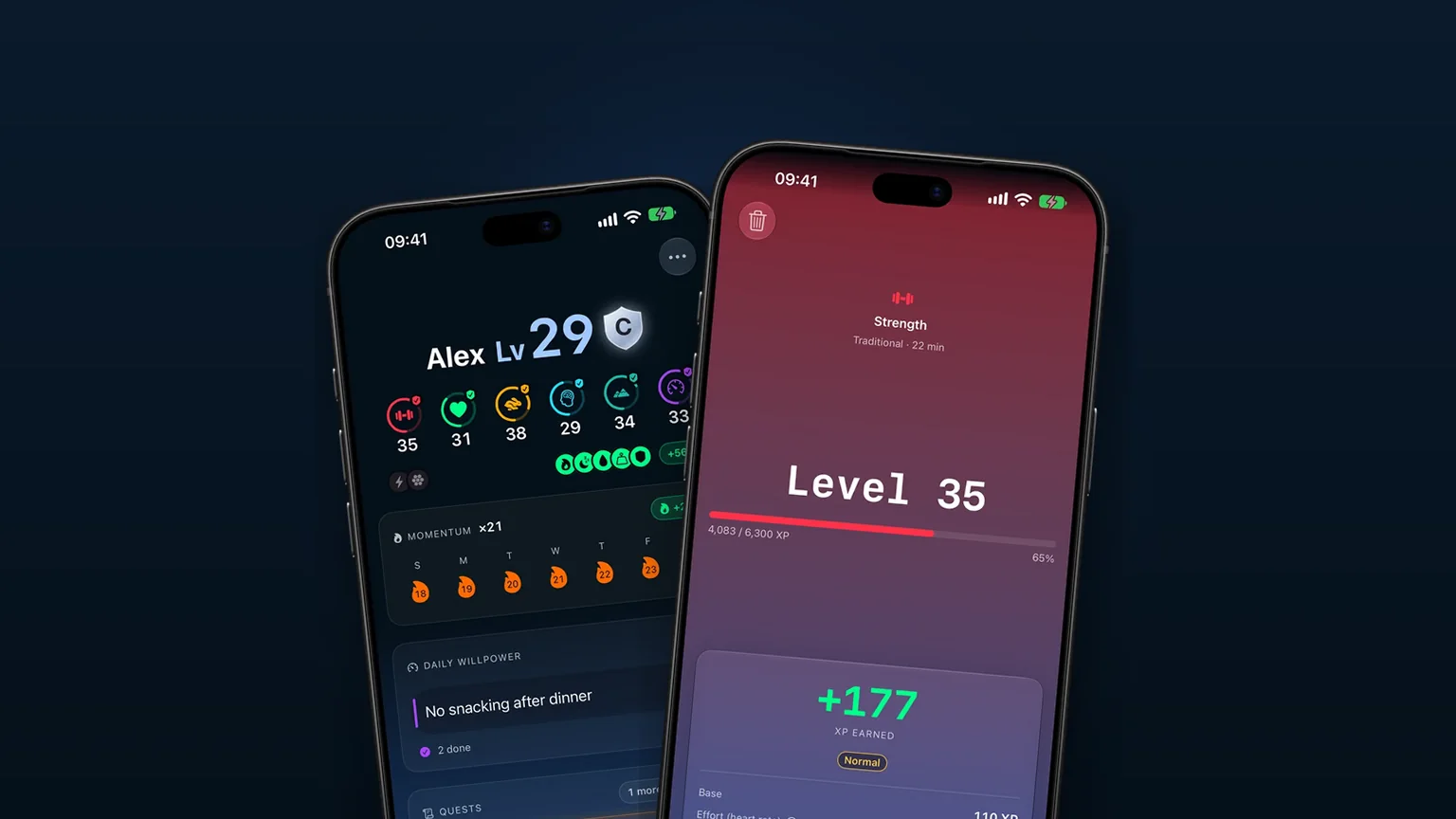
Levels 1 to 60: easy workouts stop paying as you climb
Six stats level from 1 to 60, each level costs more XP, and easy activities stop paying as you climb.